Offline-first · Built for the Philippines
Keeps ringing sales when the internet drops.
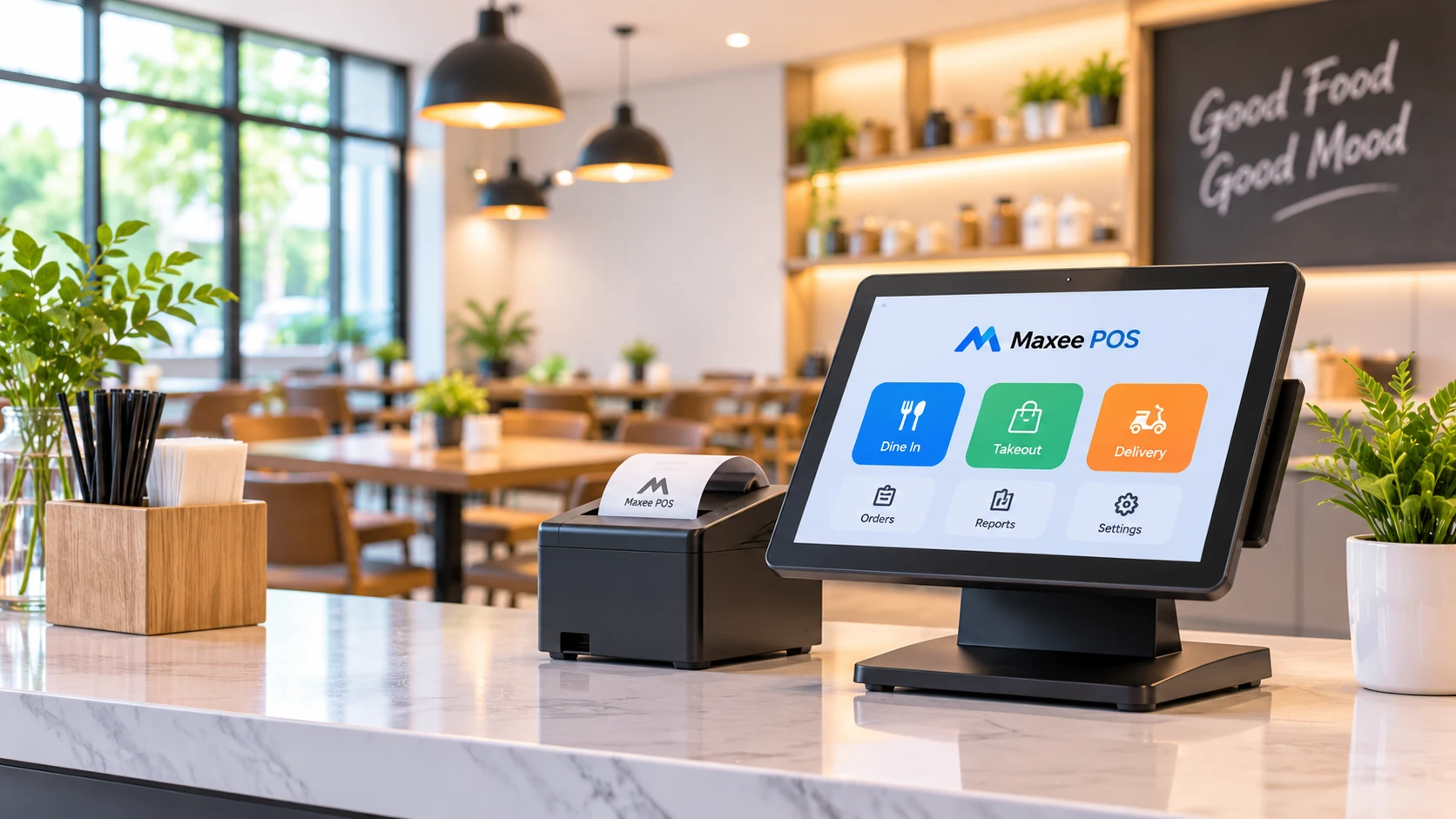
Maxee POS is a point-of-sale system for restaurants and F&B operators. It runs on tablets, sends orders to the kitchen and bar, prints receipts, and can charge a guest's room at your hotel.
- Works offline
- BIR-ready receipts
- Each business's data kept separate
- Installs on tablets
Why Maxee
Built around four commitments
Everything else in the product follows from these.
Offline-first
A tablet keeps taking orders with no internet. Orders are an append-only log, so two terminals editing the same check merge instead of conflicting.
Your data stays yours
Every business is isolated in the database itself, so one tenant can never see another's rows, even by mistake.
Totals you can trust
Money is never a floating-point number, and the tablet and the server compute identical totals from the same test vectors.
Works with your hotel
Outlets inside a hotel can post a charge straight to the guest's room folio.
Features
From the first order to the last receipt
Register
- Landscape and portrait layouts for a 10-inch tablet
- Best-seller stars and optional item pictures
- Barcode scanners work with no pairing
- Combos with "choice of" drinks
- Per-line discounts, dine in / take out and kitchen notes
Floor & kitchen
- Tables, wait list, seating and moving checks
- Cashier terminals and waiter order terminals
- Send to Kitchen, Bar, Grill and any other station
- NEW / UPDATED flags and per-item done on the kitchen board
Payments & receipts
- Cash, cards, GCash, QR Ph, bank transfer, vouchers
- Senior citizen and PWD discounts
- Bills and receipts on 58 mm and 80 mm printers
- Official receipts issued from BIR-registered cashier terminals
Inventory
- Plain items or recipes of ingredients
- Stock deducts when a check settles
- Receiving, counts, waste and store transfers
- Out of stock warns but never blocks a sale
For hotels
Charge to room, straight from the restaurant
Link a store to your hotel system and offer Room charge as a payment method.
- Confirmed in-house
- The cashier types the room number and the POS checks who is staying there. This needs a connection, so Room charge is unavailable offline.
- Never slows a sale
- The check settles on the spot. The charge is queued and delivered to the folio in the background, with retries.
- No double tax, no double charge
- VAT and service charge are already in the total, so the hotel adds none, and each charge can be applied only once even if retried.
- Clean corrections
- Charges the hotel refuses are listed to fix and resend. A void reverses a delivered charge with a credit entry.
Back office
Know how the day went, in every store
Dashboard
Sales, average check, voids, top products and station prep times for any period.
Daily & consolidated audit
One-page sign-off for a store, or for every store, emailed when the day closes.
Voids & discounts
Who, when and why, including senior and PWD ID details.
BIR sales summary
Official receipts by business date, as a working summary for your accountant.
Attendance & payroll
Time in and out, breaks, overtime and a payroll CSV.
Users & devices
Roles per store, and approval of the tablets allowed to sign in.
FAQ
Common questions
What happens when the internet goes down?
Tablets keep taking orders, sending to stations and printing bills. Sales sync when the connection returns. Room charge and inventory screens need a connection.
Is it BIR-compliant?
Official receipts are issued from cashier terminals registered with the BIR. Until a terminal is registered, receipts are marked "Not an official receipt". The BIR sales report is a working summary for your accountant, not a filed form.
What devices does it run on?
Android and iPad tablets, installed as an app from the browser. USB or Bluetooth barcode scanners and receipt printers (58 mm or 80 mm) are supported.
Can I run more than one store?
Yes. Each store has its own terminals, stations and staff, and owners can view consolidated reports.
Can waiters use their own handhelds?
Yes. Order terminals take orders and send them to stations, and a cashier terminal takes payment.
Request a demo
See Maxee POS run your restaurant
Tell us about your business and we will walk you through the parts that matter most to your team.
- A 30-minute live walkthrough on a real tablet, using your kind of menu
- Q&A on offline use, BIR receipts, kitchen stations and hotel room charge
- No commitment, just a conversation